
AI coloring page generation is one of the easiest ways to turn a simple idea into a printable activity. Instead of searching through hundreds of existing sheets, you can describe the scene you want and let AI create a black-and-white coloring page for you.
With EasyColor, that idea can start from a text prompt, a real photo, a child's name, a classroom theme, or a holiday concept. The goal is not to create a finished piece of colored AI art. The goal is to create clean line art that is easy to print, fun to color, and flexible enough for home, classroom, and creative projects.
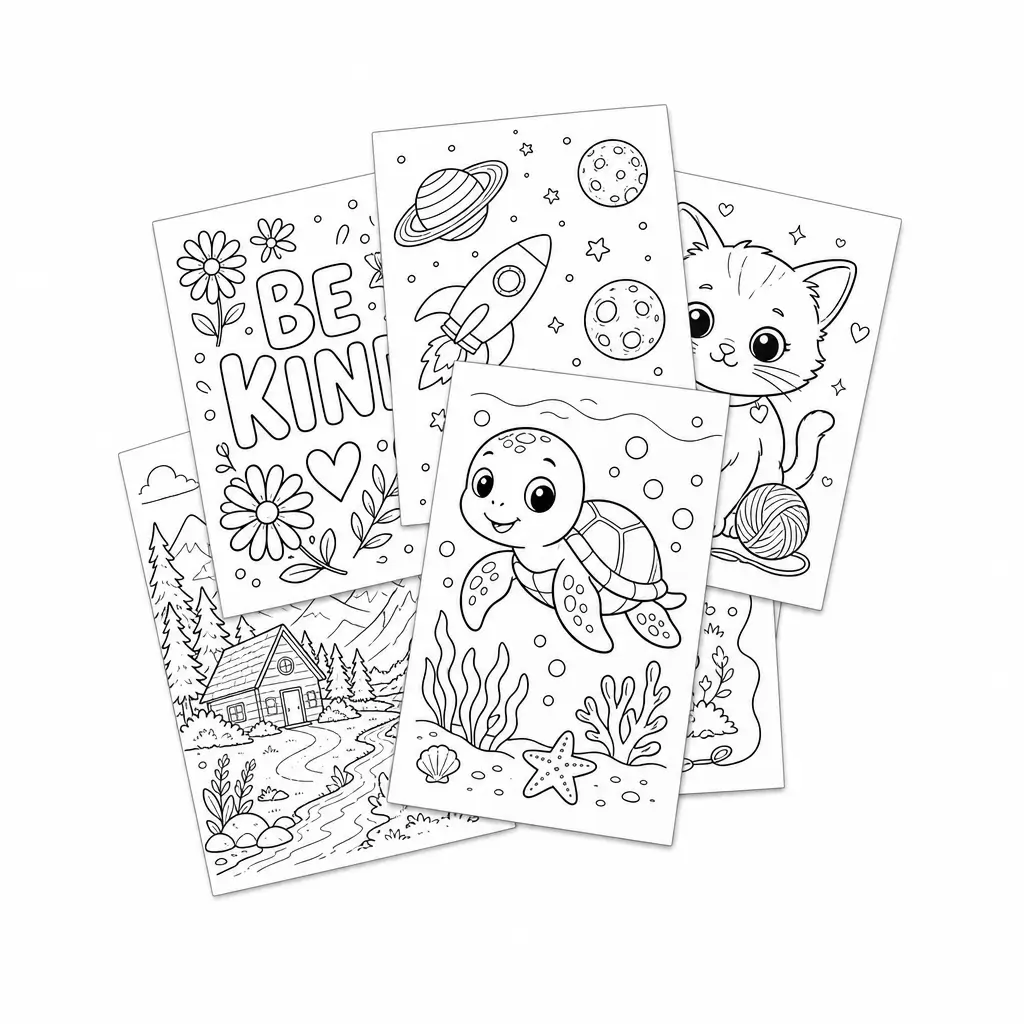
Quick overview
| Question | Short answer |
|---|---|
| What does it create? | Black-and-white coloring page line art |
| What can you start with? | Text prompts, photos, names, themes, and printable collections |
| Best output style | Clear outlines, white background, simple shapes, open coloring areas |
| Main use cases | Kids activities, classroom printables, party pages, gifts, creator experiments |
| What to avoid | Color, heavy shadows, photorealism, crowded scenes, dark backgrounds |
What is an AI coloring page generator?
An AI coloring page generator is a tool that uses artificial intelligence to create coloring-book-style images from your input.
Most people start with a short text prompt, such as "cute baby dragon reading a book" or "underwater castle with smiling fish." The generator interprets the idea and produces a black-and-white page with outlines, open spaces, and a printable layout.
EasyColor focuses on coloring-page-specific output. That means the result should feel different from a regular AI illustration:
- black-and-white line art
- clear outlines
- simple shapes where possible
- printable composition
- enough open space for crayons, markers, or digital coloring
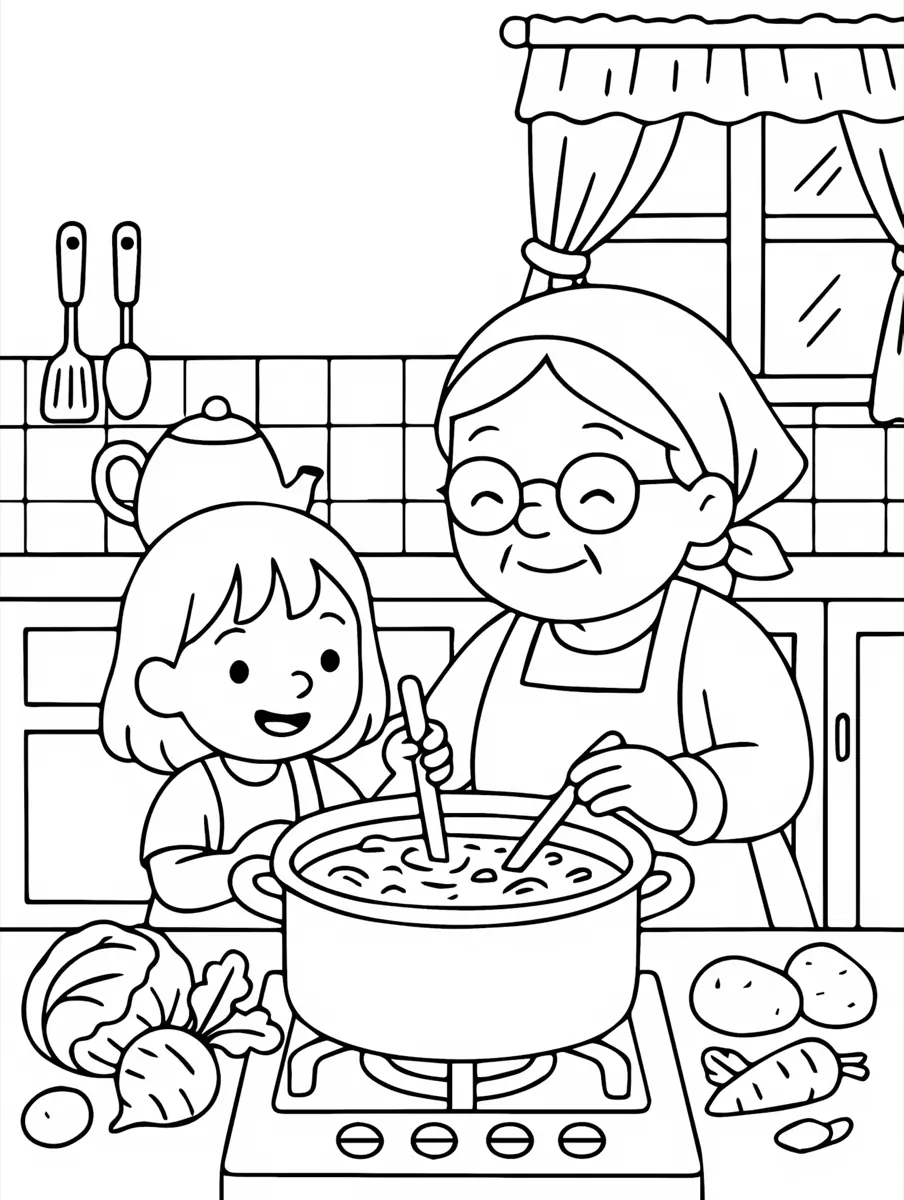
How AI coloring page generation works
AI coloring page generation usually follows a simple flow.
1. Start with a clear input
This can be a written prompt, a photo, a name, or a theme. The more specific the input, the easier it is for the generator to understand the subject, style, and level of detail you want.
2. Convert the idea into line-art composition
The model turns that input into an image concept. For coloring pages, the best concepts avoid heavy shading, filled backgrounds, and overly realistic textures. They emphasize readable forms and clean edges instead.
3. Download, print, save, or color online
On EasyColor, the output is designed around real coloring page workflows, so you can download it, print it, save it, revisit it from your workspace, or use supported pages with online coloring.
What you can create with EasyColor
EasyColor is built for more than one kind of coloring page. Different users need different starting points, so the product supports several common creation paths.
Text to coloring page
The fastest option is text to coloring page: describe what you want, and a prompt like "a friendly robot planting flowers in a garden" can become a printable coloring sheet in seconds.
This works well for:
- animals and fantasy creatures
- holiday activities
- classroom themes
- birthday pages
- simple story scenes
- niche printable ideas
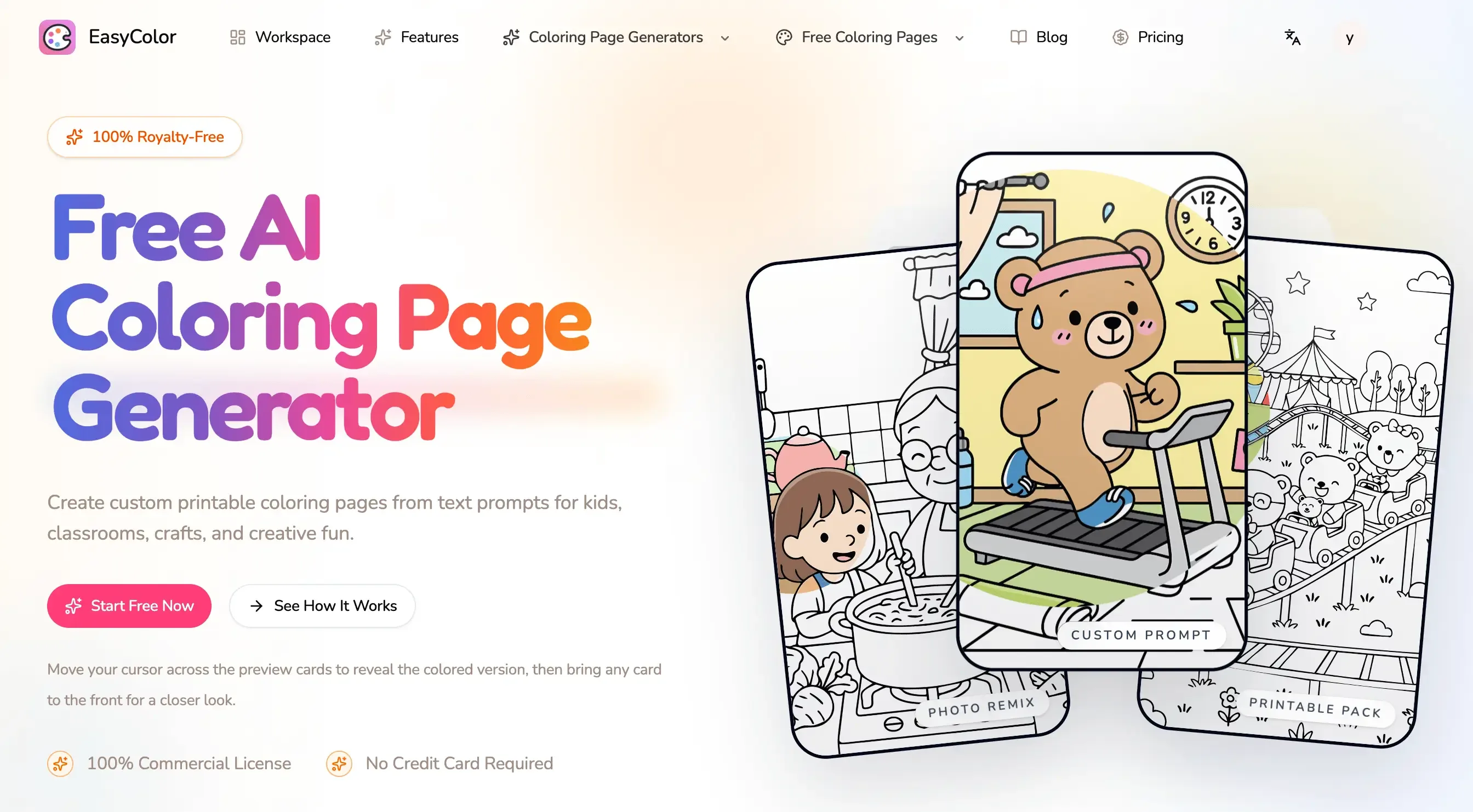
Photo to coloring page
Sometimes the best starting point is not a prompt, but a real image.
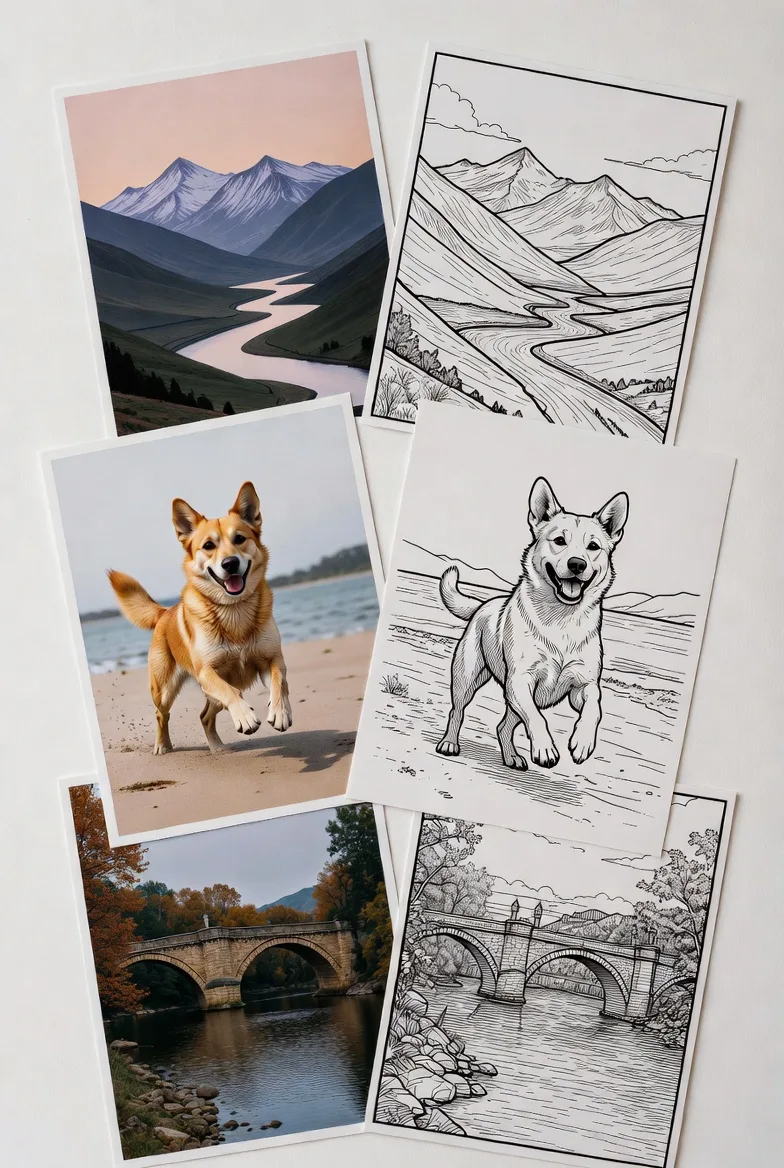
EasyColor's photo to coloring page tool can help turn photos into coloring-friendly outlines. This is useful for pet portraits, family memories, objects, toys, home activities, and personalized gifts. The result is not meant to copy every tiny detail from the original photo. It should simplify the image into something easier to color.
Name coloring pages
Personalized name pages are popular because they feel made for one specific child, classroom, or event.
With EasyColor's coloring page generator, you can create pages with a name in large letters and add decorations around it, such as stars, flowers, dinosaurs, princess elements, sports themes, or birthday details.
Free printable coloring pages
AI generation is useful, but not every visitor wants to start from a blank prompt.
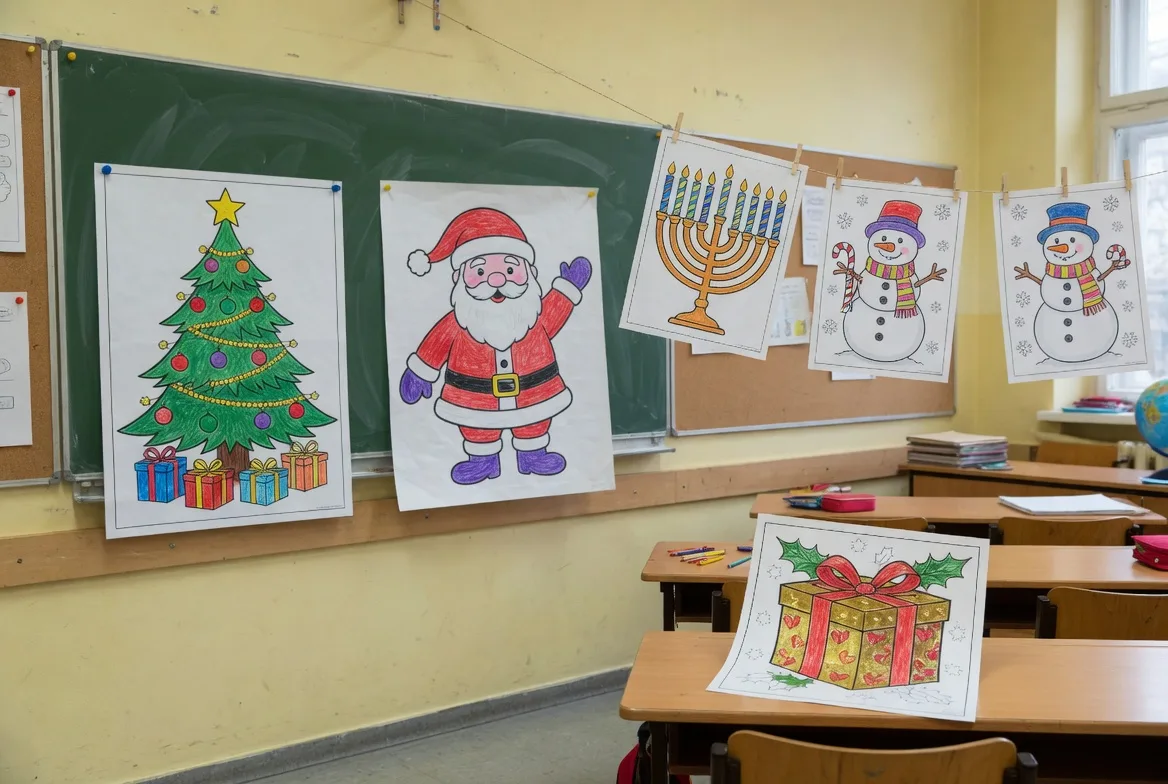
EasyColor also includes free printable coloring page collections. These pages are helpful when you want something ready to download now, or when you want examples before creating a more custom version with AI.
How to write a better AI coloring page prompt
Good AI coloring page prompts are usually clear, specific, and coloring-friendly.
Instead of writing only "dragon," try:
cute baby dragon sitting on a cloud, simple black-and-white coloring page, clean outlines, large open spaces, no shading
That prompt gives the AI four important instructions:
- the subject: a baby dragon
- the scene: sitting on a cloud
- the format: black-and-white coloring page
- the style constraint: clean outlines and large open spaces
Prompt formula
Use this structure when you want more predictable results:
| Prompt part | What to write | Example |
|---|---|---|
| Subject | The main thing on the page | cute baby dragon |
| Scene | Where it is or what it is doing | sitting on a cloud |
| Format | Tell the model it is a coloring page | black-and-white coloring page |
| Line style | Ask for readable outlines | clean outlines, bold line art |
| Print rules | Remove finished-art effects | white background, no color, no shadow |
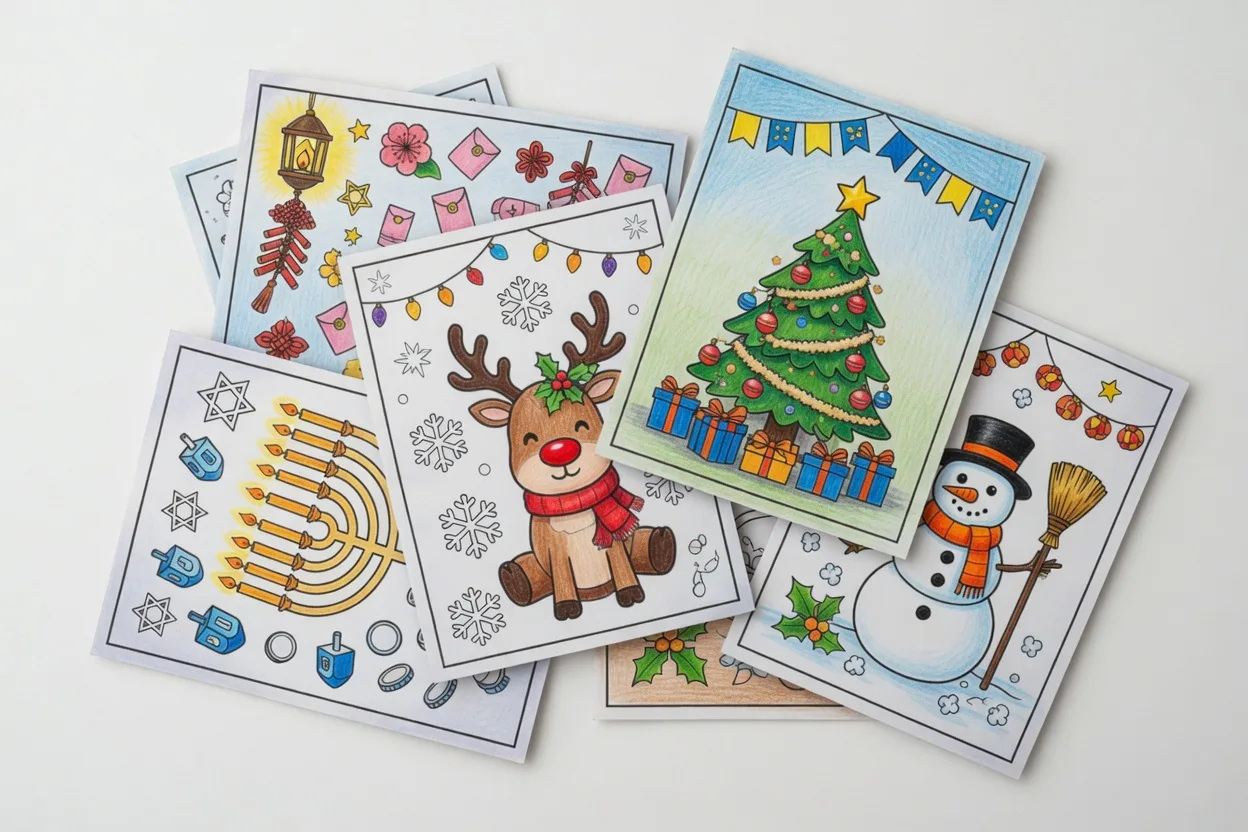
Here are a few more prompt examples you can adapt:
- "happy farm animals standing near a barn, simple printable coloring page, bold outlines, white background"
- "the name Emma in big bubble letters with flowers and butterflies, clean coloring book line art"
- "cute dinosaur birthday party with balloons and cake, black-and-white coloring page for kids"
- "cozy winter cabin with snowflakes and pine trees, detailed but easy-to-color line art"
- "friendly astronaut floating near stars and planets, simple outlines, no color, no shadow"
What makes a good AI coloring page?
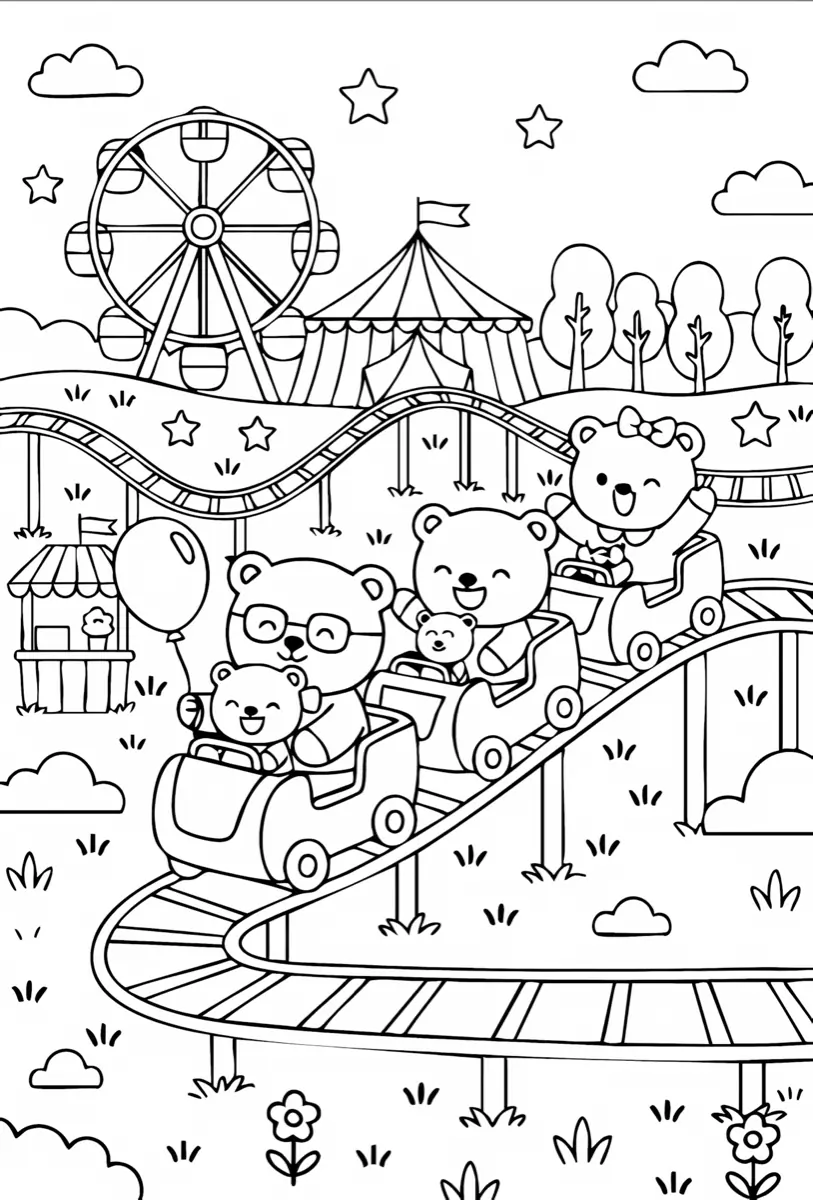
A good coloring page is not just any black-and-white image. It needs to be enjoyable to color.
The best pages usually have:
- a clear main subject
- outlines that are easy to see
- open areas for coloring
- limited visual clutter
- a white or simple background
- composition that prints well on a page
Very detailed images can look impressive on screen, but they are not always better for coloring. For younger kids, simpler pages are usually more useful, such as dinosaur coloring pages, cat coloring pages, or dog coloring pages. For older kids and adults, more decorative line art can work well, as long as the outlines stay readable.
AI coloring pages vs. regular AI images
Regular AI image generators often try to create finished artwork. They may add color, lighting, shadows, textures, dramatic backgrounds, and painterly details.
That is almost the opposite of what a coloring page needs.
| Regular AI image | AI coloring page |
|---|---|
| Finished artwork | Activity page ready to color |
| Color, lighting, and texture | Black-and-white outlines |
| Visual drama | Printable clarity |
| Realistic or painterly details | Simple shapes and open spaces |
| Designed to look complete | Designed for the user to finish |
An AI coloring page generator should prioritize:
- line clarity over realism
- printable space over visual drama
- simple contrast over complex lighting
- editable creative activity over finished artwork
This is why using a dedicated coloring page workflow matters. EasyColor's text-to-coloring-page workflow is shaped around the output people actually want to print and color, not just around image generation in general.
Common mistakes to avoid
If your AI coloring page does not look right, the prompt may be asking for the wrong kind of image.
Words that often cause problems
Avoid prompt words that push the model toward finished art, such as:
- colorful
- realistic lighting
- cinematic
- oil painting
- watercolor
- highly shaded
- dark background
- photorealistic
Better words for coloring pages
Use coloring-page-friendly words instead:
- black and white
- clean line art
- bold outlines
- white background
- no color
- no shadow
- simple shapes
- large open spaces
Another common mistake is asking for too many subjects at once. "Ten animals in a forest with a castle, rainbow, picnic, river, and fireworks" may sound fun, but it can create a crowded page. Start with one main subject, then add two or three supporting details.
Who can use AI coloring page generation?
AI coloring pages are useful for a wide range of people:
- parents creating quick activities at home
- teachers preparing classroom worksheets
- caregivers planning quiet-time pages
- party planners making personalized handouts
- creators testing printable niches
- adults who enjoy relaxing line art
- kids who want a page based on their own ideas
Because the starting point can be a prompt, photo, or name, the experience can be as simple or as personal as you need.
FAQ
Can AI create printable coloring pages?
Yes. An AI coloring page generator can create black-and-white line art from text prompts, photos, names, and themes. EasyColor is designed specifically for printable coloring page workflows.
What is the best prompt for an AI coloring page?
A strong text-to-coloring-page prompt usually includes the subject, scene, style, and coloring constraints. For example: "cute puppy in a flower garden, black-and-white coloring page, clean outlines, white background, no shadow."
Can I turn a photo into a coloring page?
Yes. EasyColor includes a photo-to-coloring-page workflow that helps convert portraits, pets, objects, and other images into simplified coloring-friendly outlines.
Are AI coloring pages good for kids?
They can be. For younger kids, use prompts that request simple shapes, bold outlines, and large open spaces. For older kids, you can add more details while keeping the page easy to read.
What is the difference between AI art and an AI coloring page?
AI art is usually a finished visual result. An AI coloring page is a starting point for coloring, so it should be black and white, outline-based, printable, and open enough for the user to fill in.
The simple takeaway
AI coloring page generation makes it easy to turn a small idea into a printable creative activity.
With EasyColor, you can start from text, photos, names, or ready-made printable collections, then create pages that feel more personal than generic downloads. The best results come from prompts that ask for clean black-and-white line art, simple composition, and enough open space to color.