
Yes, FLUX 2 can make coloring pages when you prompt it for black-and-white line art. It can be useful for clean concepts, graphic scenes, and style exploration. But as with other general image models, you need to keep the prompt focused on printability.
A coloring page is a functional design. It has to be clear, printable, and enjoyable to color. If FLUX 2 creates a beautiful image with too much texture or detail, it may still need cleanup.
For a dedicated coloring workflow, use EasyColor's AI coloring page generator.
Quick answer
FLUX 2 can generate coloring-page-style images from prompts. The best results come from direct, constraint-heavy prompts that remove color, shading, texture, and clutter.
Ask for:
- black-and-white line art
- bold outlines
- white background
- printable coloring page
- no shading
- no grayscale
- open coloring spaces
- simple composition
Then inspect the output before printing.
Where FLUX 2 can work well
FLUX 2 can be useful for:
- clean object pages
- animals and nature scenes
- geometric designs
- simple fantasy concepts
- decorative adult pages
- classroom topic pages
- cover concepts for coloring books
It may be especially helpful when you want a clean graphic direction rather than a painterly look. Still, the exact output depends heavily on the interface, settings, and prompt.
How to prompt FLUX 2 for coloring pages
Use clear print constraints.
Prompt formula:
[subject], printable coloring page, black-and-white clean line art, bold connected outlines, pure white background, no color, no shading, no grayscale, large open spaces
Examples:
- "friendly elephant holding a balloon, printable coloring page, black-and-white clean line art, bold connected outlines, pure white background, no shading"
- "simple solar system for kids, educational coloring page, bold outlines, white background, large open spaces, no gray fill"
- "decorative flower garden for adults, clean line art coloring page, balanced detail, no shadows, no hatching"
- "cute dog in a raincoat, kids coloring page, simple background, thick outlines, easy to color"
If the result is still too detailed, add "minimal interior details" and "uncluttered page layout."
Step-by-step workflow
Step 1: Pick the page type
Do you want a kids page, adult page, mandala, educational worksheet, or coloring book cover? Decide before prompting.
The same subject can need different prompts:
- "simple butterfly for preschoolers"
- "decorative butterfly garden for adults"
- "butterfly life cycle educational coloring page"
Step 2: Generate with constraints first
Do not wait until the second prompt to say "no shading." Put the coloring-page rules in the first request.
Good prompt discipline saves time.
Step 3: Compare outputs by usability
Choose the result that is easiest to color, not the one that looks most dramatic.
Look for:
- clear subject
- strong outline
- white background
- enough empty space
- limited tiny detail
- good page margins
Step 4: Clean or regenerate
If the page is close but not ready, you can edit it. If it is too cluttered, regenerate with a simpler prompt.
For faster print-ready pages, use EasyColor.
Common FLUX 2 coloring page issues
Subtle grayscale texture
The issue: the output may include tonal detail that prints as gray.
The fix: specify "black outlines only" and "no grayscale."
Too many interior lines
The issue: small textures can make the page tiring to color.
The fix: ask for "large open spaces" and "minimal interior detail."
Not enough line weight
The issue: outlines may look elegant but print too faintly.
The fix: prompt for "bold connected outlines" and test print.
Background clutter
The issue: the model may fill the background with decorative extras.
The fix: say "simple background" or "no background except a few large shapes."
FLUX 2 vs EasyColor
| Feature | FLUX 2 | EasyColor |
|---|---|---|
| Main use | general image generation | printable coloring pages |
| Strength | clean visual concepts and style exploration | coloring-page-first output |
| Prompting | needs print constraints | optimized for line art prompts |
| Cleanup | sometimes needed | usually less manual cleanup |
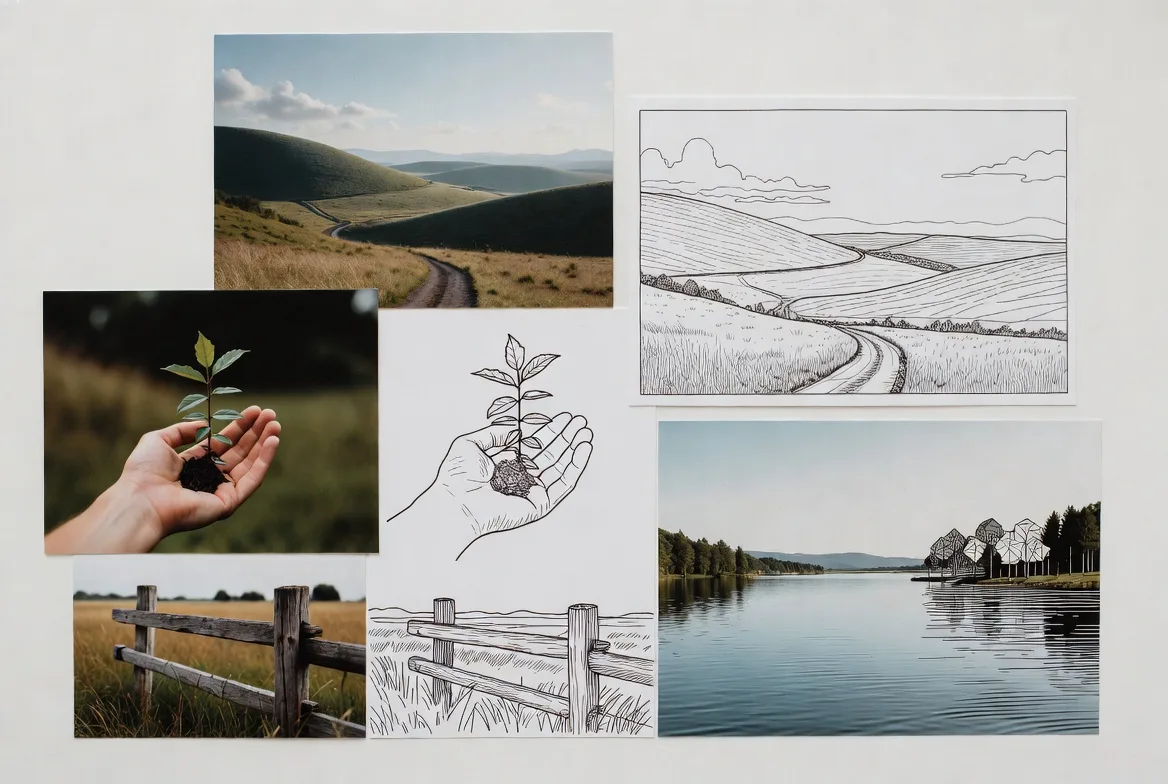
| Photo conversion | depends on setup | photo to coloring page supported |
| Best for | testing concepts | printable worksheets, gifts, books |
FLUX 2 can be a capable image model for coloring-page ideas. EasyColor is more practical when the final deliverable is a coloring page.
When FLUX 2 is a good choice
Use FLUX 2 when:
- you want clean visual drafts
- you are testing many prompt directions
- you can review and refine results
- you need adult coloring concepts
- you are comfortable with cleanup
Use EasyColor when:
- you need printable pages quickly
- you are making pages for kids
- you want to convert photos
- you are creating a full coloring book
- you want a simpler workflow
For photo-based projects, read how to turn photos into a custom coloring book.
Prompt examples
- "happy farm animals near a barn, printable kids coloring page, bold black outlines, white background, no shading, simple shapes"
- "calm mandala with leaves and flowers, adult coloring page, clean line art, balanced detail, no grayscale"
- "friendly robot building a sandcastle, black-and-white coloring page, thick connected outlines, large open areas"
- "cat sleeping on a crescent moon, simple line art coloring page, white background, no hatching"
For similar results without model-specific setup, use EasyColor's text to coloring page tool.
FAQ
Can FLUX 2 create coloring pages?
Yes. Prompt it for black-and-white line art, bold outlines, white background, no shading, and large open spaces.
Is FLUX 2 good for printable coloring books?
It can help create concepts, but you should review every page for consistency, line quality, and printability.
What should I avoid in FLUX 2 prompts?
Avoid photorealistic, cinematic, highly detailed, dramatic lighting, and textured rendering when you want a clean coloring page.
Is EasyColor better for coloring pages?
If the goal is printable coloring pages, EasyColor is usually more direct because it is built for that workflow.